
VisitorManagement
WELCOME Functions
Visitormanagement

Visitor Management
Visitor management that guarantees security and transparency at a high level.
Visitor Portal
Stay on top of things and keep things running smoothly. WELCOME ensures efficient organization of visitors.
Invitation
Make it easy for your employees, register visitors via the web portal or use your usual Outlook.
Appointment confirmation
WELCOME sends an automated appointment confirmation that includes details such as routing, contact information and documents.
Greeting
Welcome your visitors on the WELCOME screen. Show more information, such as building or meeting room.
Permanent visitors
Manage your longtime visitors and contractors as permanent visitors. Enter the period for the visitor’s access.
Locations-Tenants
Organize your locations and affiliates. Control your reception areas and the corresponding welcome screens.
Visitor management functions
Visitor Portal
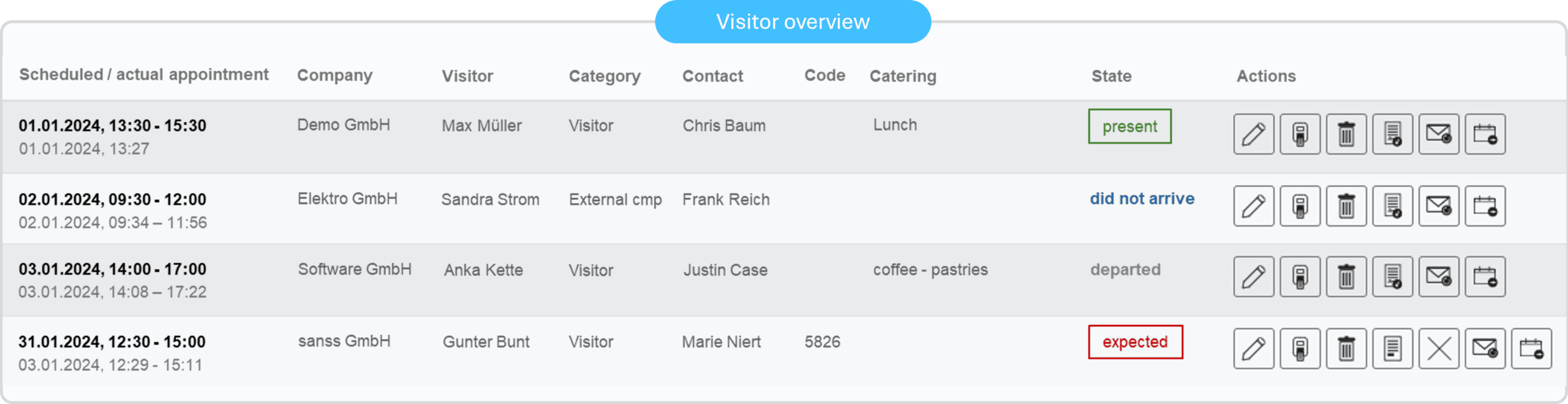
Always keep track of who is expected, who is already at your company, or who has already left.
Search and filter the history to analyze your visitor data. The visitor overview ensures you always maintain transparency and control.
Overview of all expected, present and departed visitors
Consent to the GDPR with deletion periods for each visitor category
Automatic creation and dispatch of the evacuation list
Managing external companies and regular visitors
Invitation
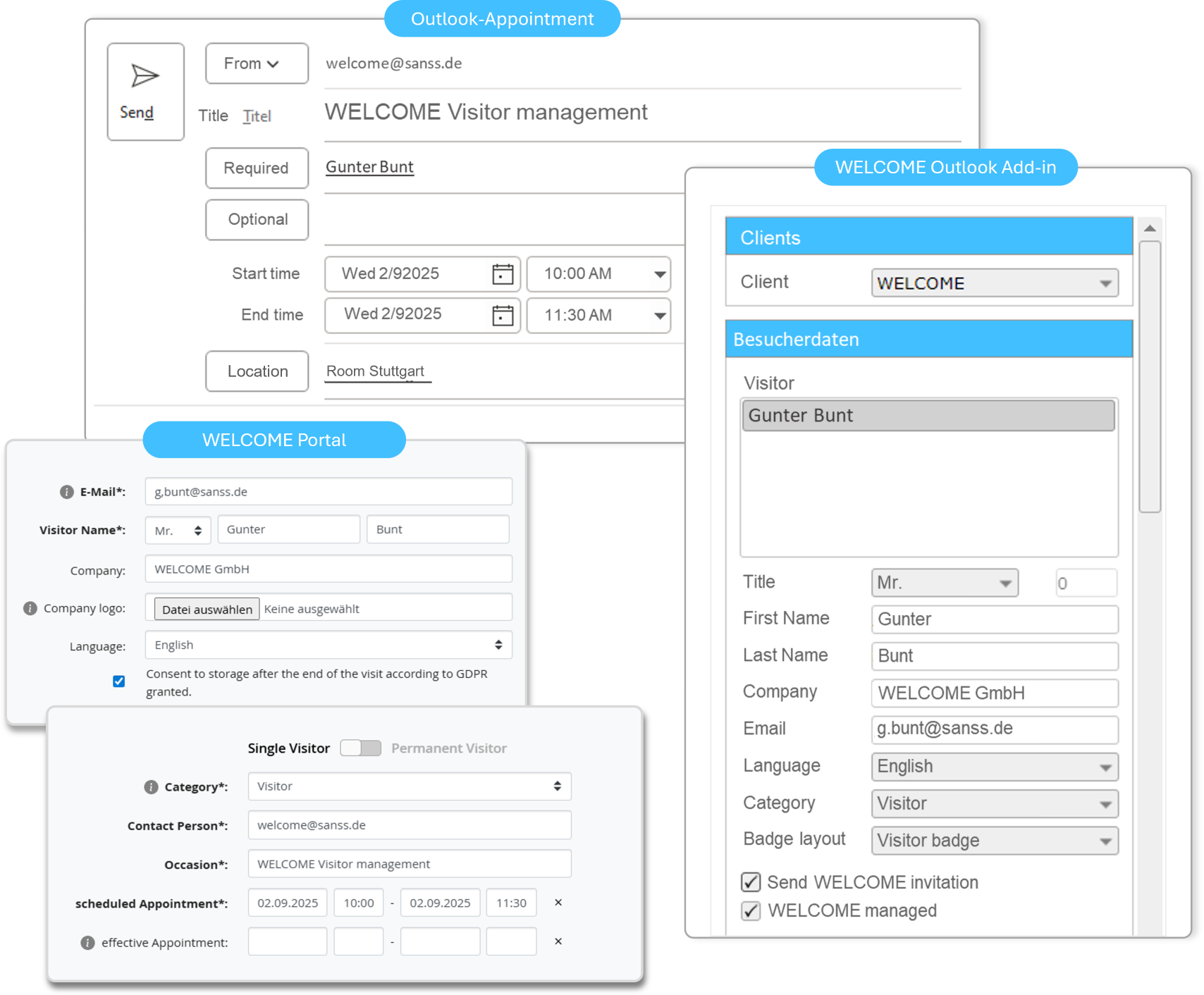
Easily capture your visitors via the visitor portal or the Outlook add-in.
Create a visitor entry in WELCOME using the Outlook Add-in – this allows you to work in your familiar environment.
You can also invite groups by uploading a CSV or Excel list.
Visitor tracking via the Outlook Add-in
Visitor registration in the WELCOME visitor portal
Simple and quick collection of visitor data
Familiar Outlook environment for employees
Upload of CSV and Excel lists for groups
Appointment confirmation
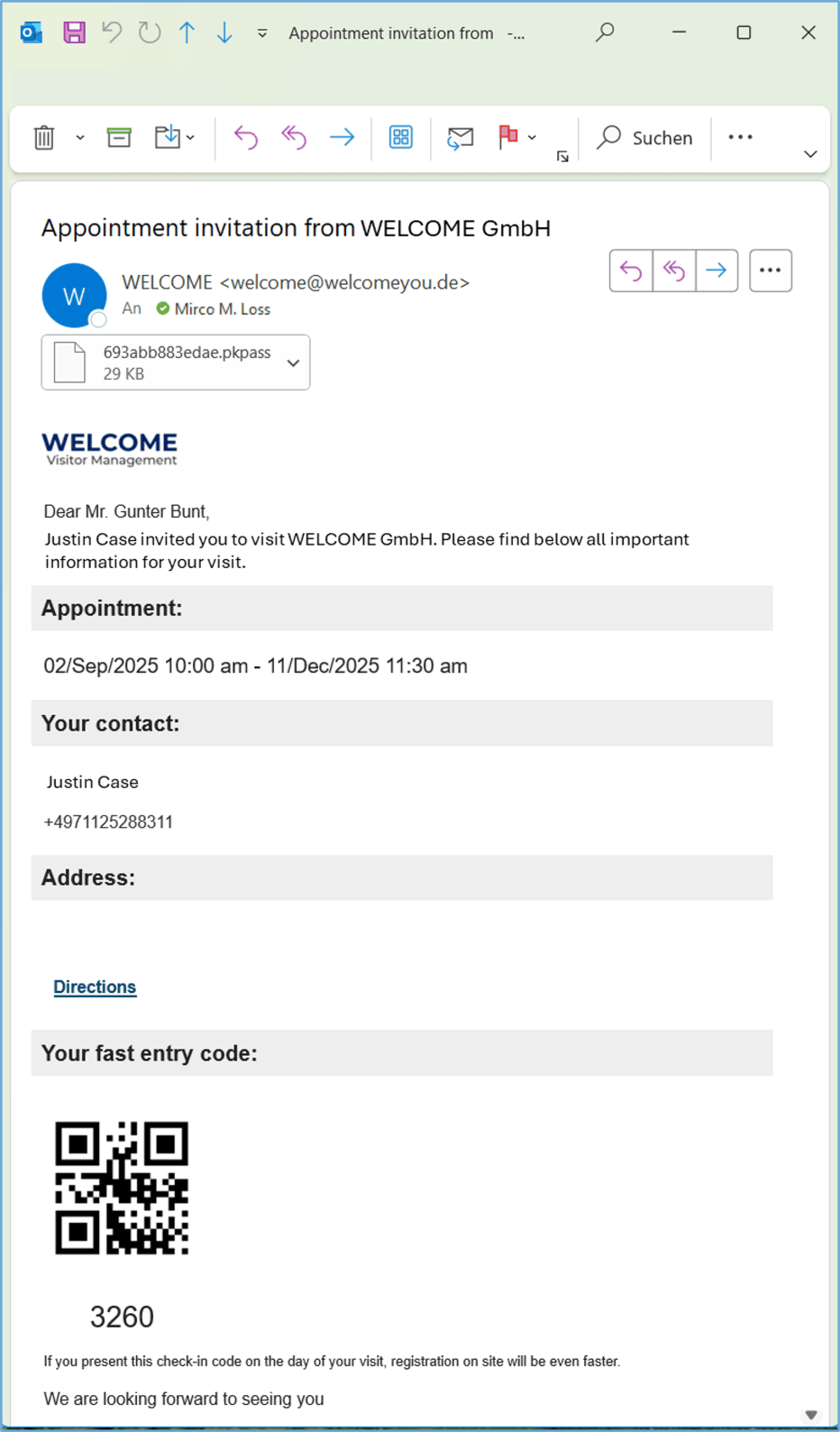
With appointment confirmation, you provide your visitors with all the important information at a glance. Send automatic appointment confirmations and receive a notification as soon as your visitor arrives.
The included QR code allows your visitors to check in quickly and easily.
Email invitation with important information
With QR code for check-in
pkpass file for the wallet app
Standard documents, such as directions, can be attached.
Additional customizable invitation text
Greeting
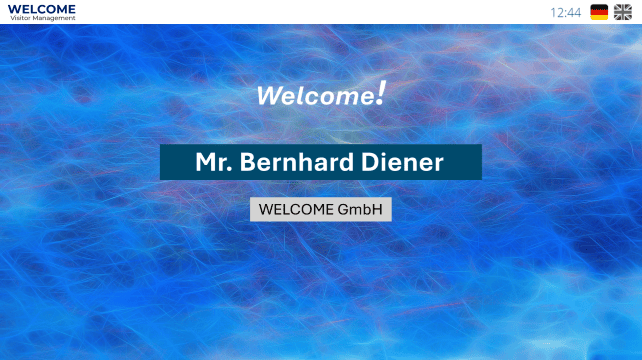
Greet your visitors personally or simply with your company name on the WELCOME screen. Provide your visitors with further information such as the meeting room or building.
Easily design welcome screens according to your corporate identity using the integrated editor.
Customizable layout
Play video when no visitors are expected
Standard TV as WELCOME screen
Greeting with personalized text
Permanent visitors
Manage your regular visitors, such as tradespeople, service personnel, and returning visitors. You only need to register these visitors once.
Regular visitors can check in and out within their individually defined timeframe without needing a new invitation. An entry is created in the visitor log for each visit.
Regular visitors only need to be registered and invited once.
A definable time period during which visitors can check in.
History of every check-in and check-out process
Separate overview for regular visitors

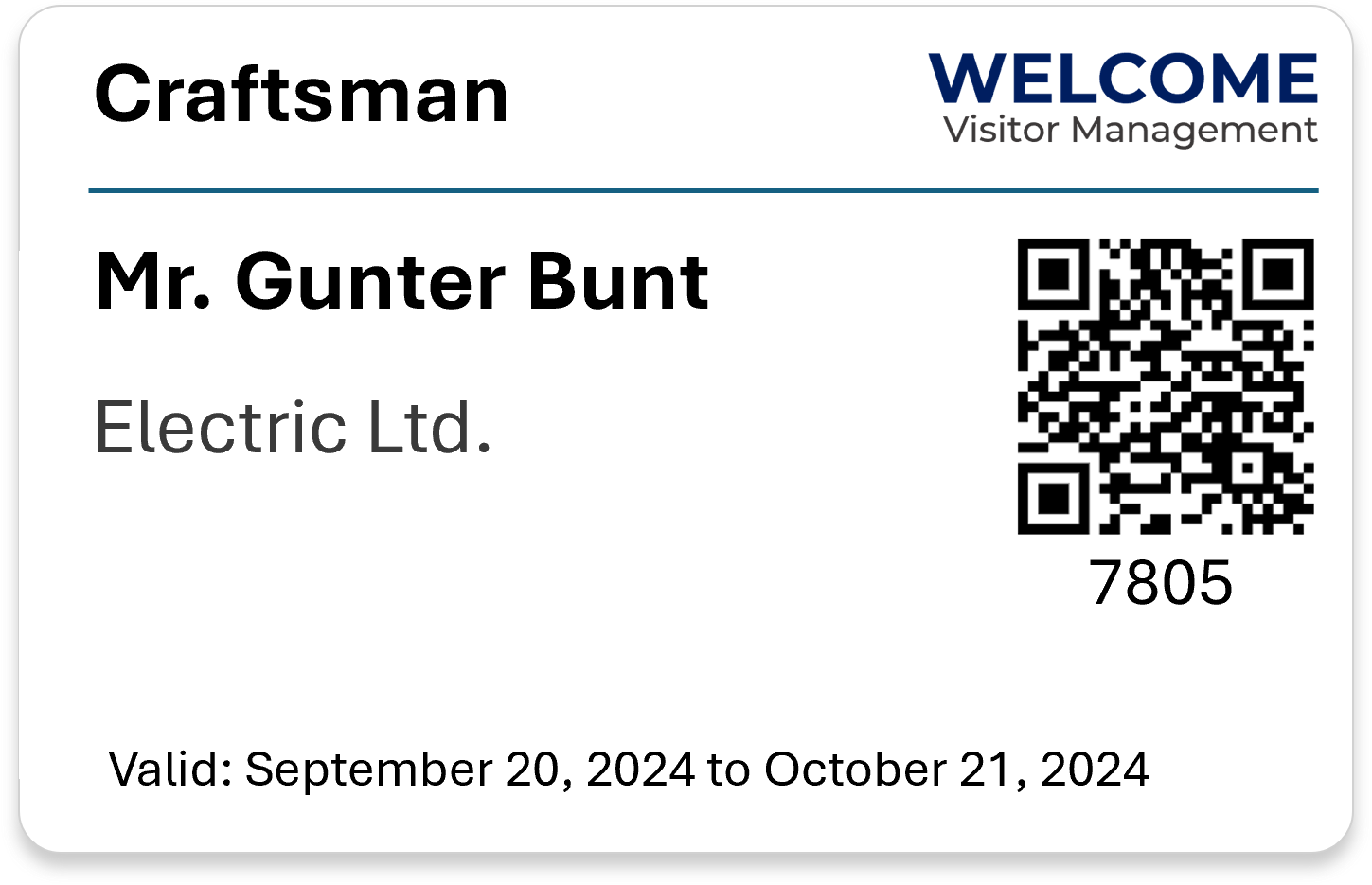

Layout
Configure WELCOME to suit your needs. Create custom welcome and login screens, as well as various visitor badges. WELCOME comes pre-configured, so you can easily adapt the prepared configuration to your requirements and corporate design. This allows you to get started immediately.
Personalize WELCOME with your own custom fields.
Of course, we are also happy to take care of the complete setup and configuration for you.
Fully pre-configured for a quick start
Easy to set up
Different ID card layouts
Various welcome and login screens
Individual additional fields
Locations-Tenants
Deploy Welcome at your locations and establish a standardized check-in process. Centrally manage and control all Welcome screens, terminals, and printers.
Access control allows you to restrict employee access to individual locations. Receive and greet your visitors in over 20 languages.
Central Administration
Control of screens, terminals and printers
Different layouts are possible for each location.

External companies – advance registration
Give your external service providers the option to register their employees themselves.
After the initial registration, you can add employees who will receive an invitation email with a check-in code (QR) and optionally a link to sign instructions and safety agreements before the appointment.
Visitors are able to check in themselves using their name, mailaddress or QR code. The relevant instructions are either pre-signed with the pre-check-in or are presented for signature during check-in at the terminal .
Relieving your employees
The online pre-registration is only required for the main contact person at the service provider. The service provider main contact is able to add further employees to the Welcome visitor registration.
Accelerating the check-in process
Online pre-registered service providers no longer need to register on-site. Corrections are unnecessary, because the service providers have already registered their employees as visitors.
Cost reduction
Minimizing the workload for your own staff. Faster check-in for visitors.
THE SOLUTION FOR YOUR VISITOR MANAGEMENT
Your advantages with WELCOME – visitor management software from the cloud, immediately ready for use.
With WELCOME, you simplify your visitor processes and make them more efficient. Comply with the requirements of the GDPR.
Keep track ofthings
The visitor portal allows you to keep track of onsite and expected visitors.
Traceability
Search and filter in the visitor history. Permanent visitors and craft visits can be optimally filtered and exported to Excel.
Visibility
With the invitation, your visitor will receive all the important information and a QR code for check-in – for a professional impression.
Central Administration
Organize your locations in a central installation. Different layouts and setups can be made per tenant.
Online-Demo
Convince yourself of the advantages and possibilities.

Check-in
How can your visitors check in?
Visitor badge
All visitor badge options.
Security - Languages
Learn more about security-related topics and available languages.
The ideal cloud software for your guest management
With a friendly welcome, personalized visitor badges and features such as automatic sending of directions, you create a positive and professional impression on your visitors.

Company security
Who is currently in your company and on your premises?
Especially in emergency situations, the evacuation list from WELCOME can be important information for first responders.
Effective visitor management begins at reception and is crucial for security. With the visitor overview, you always have a clear picture of everyone present in your company. Store your visitor information confidentially; other guests have no access to the visitor list.